
Last updated: October 27, 2026
Key Takeaways
- A release calendar should separate announcement, preorder, and restock updates.
- Track the source that sells the toy, not just fan posts.
- A preorder window matters when a listing opens before shipping; if unsure, check the retailer or consult a professional.
- Watch the right pages at set intervals instead of refreshing one tab nonstop.
Exclusive toy releases: how to track drops, preorders, and restocks is a timing problem, not a shopping problem. The goal is to know when a drop is likely, catch the preorder window if there is one, and spot a restock notice before the item disappears again.
If you follow a few retailer pages, brand newsletters, and social alerts, you can build a release calendar for exclusive toy releases: how to track drops, preorders, and restocks in a way that is useful without being noisy. That calendar is most valuable for limited figures, convention leftovers, retailer exclusives, and numbered runs where a 10-minute delay can mean the difference between an order and a waitlist.
Build a release calendar for exclusive toy releases that actually catches drops
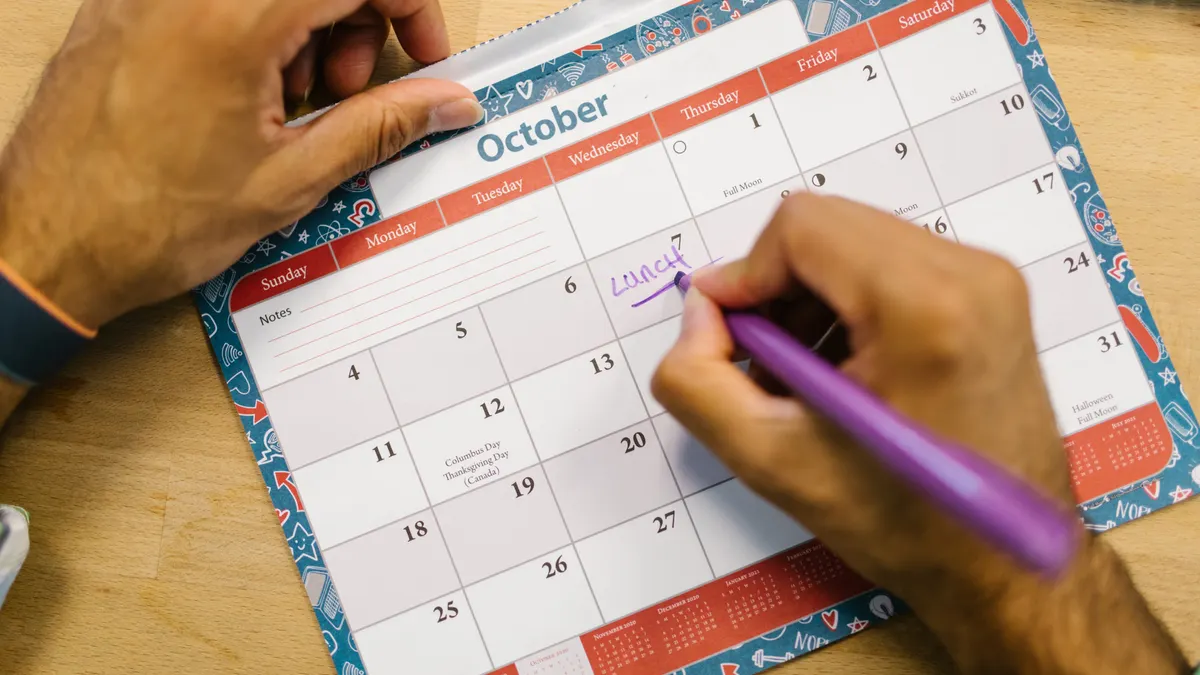
A good release calendar tracks three separate events: the announcement, the preorder window, and the restock notice. Those are not the same thing, and treating them as one is why people miss releases; if you are unsure how a specific seller labels them, check the retailer page or consult a professional.
Start with a simple calendar in a notes app, spreadsheet, or planner. Add columns for brand, retailer, item name, expected release month, alert source, and status. Use one line per product, not one line per brand. A single brand may have a reveal post in April, a preorder in May, and a restock in July.
A practical setup:
- List the brands and retailers you care about. Put 5 to 10 names in one place so you are not chasing them later. The result is a focused watchlist instead of a random feed.
- Record the earliest signal you can find. That might be a teaser image, a newsletter mention, or a schedule post. The point is to know what to watch next.
- Add a reminder 24 hours before the likely window. That gives you time to check shipping restrictions, account login, and payment method without rushing.
- Create a second reminder at the expected drop time. Many releases go live at a stated time, often on the hour or half hour, and a reminder keeps you from missing the first minutes.
- Leave a field for restock follow-up. If the preorder sells out, the item may return later through a cancellation wave or a second allocation.
This system works because it separates certainty from rumor. It also keeps you from checking everything every day. A calendar that you update twice a week is better than a feed you scroll for 20 minutes and forget by noon.
How do I know when a toy drops?
You know a toy drops by watching the source that controls the sale, not the fan chatter around it. The most reliable signals are brand newsletters, retailer product pages, and official social accounts that post the release time, usually with a product image, SKU, or link.
For toy release tracking, I treat a “drop” as the moment a listing becomes purchasable. That can happen in three ways: a product page goes live with an add-to-cart button, a preorder opens before the item ships, or a limited release appears with a posted launch time. If the post only says “coming soon,” it is not enough on its own.
The quickest way to catch a drop is to combine three channels, and the same mix works well for exclusive toy releases: how to track drops, preorders, and restocks:
- Newsletter signup: Brands often send launch notices here first, especially for limited runs.
- Social alerts: Turn on notifications for the official Instagram, X, YouTube Community, or Facebook account if that brand uses one consistently.
- Retailer page checks: Bookmark the product page and revisit it near the listed launch time.
A drop alert should be narrow, not broad. I want alerts for the exact brand, line, or retailer I am chasing. If every post on a feed triggers a notification, the useful signal gets buried under color variants, merch, and unrelated content.
One common mistake is waiting for secondary accounts to post the news. By the time a repost appears, the most limited stock may already be gone. Another is assuming every “drop” is a same-day sale. Some drops are announcement-only, some are preorder openings, and some are inventory returns with no warning. Treat those as separate events in your calendar; if the labeling is unclear, check the official source or consult a professional.
Which preorder window matters most?
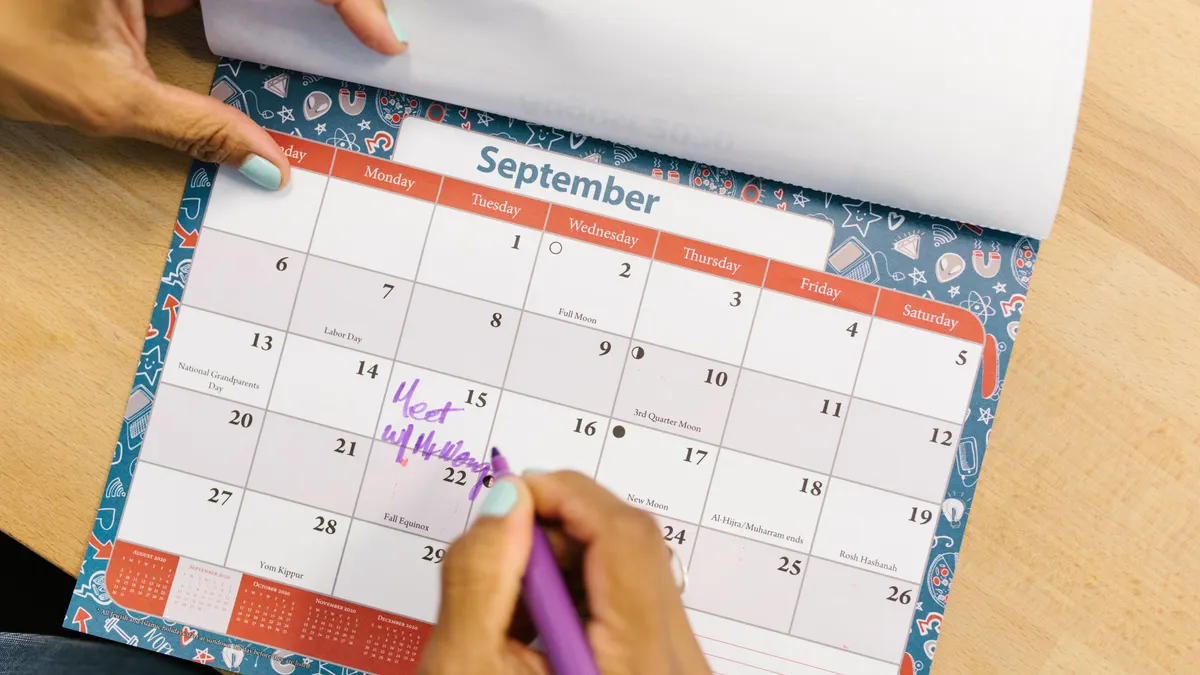
The preorder window matters most when the listing opens before the item ships, because that window tells you how long you have to secure an order before stock closes. It can be minutes, hours, or several days, depending on the brand and retailer.
A preorder window is the span between opening and cutoff. That cutoff may happen because the retailer reaches its allocation, the brand closes reservations, or the sale changes from preorder to sold out. The exact length is not predictable from one release to the next, which is why you should log both the opening time and the close time when you see them.
Use this checklist during a preorder:
- Open the product page on desktop and mobile. Some sites behave differently on each device, and a fallback device can save the order.
- Log in before the window opens. A saved account cuts down on checkout friction.
- Store your shipping address and payment method in advance. That avoids losing the item while typing.
- Watch for region limits and quantity limits. Many listings cap orders at 1 or 2 units.
- Save the confirmation email or order number. If the item gets delayed, that record matters later.
Preorders are useful because they reduce the odds of missing a small run. They are also risky in a different way: the wait can be long, and product details can change before fulfillment. That is the trade-off. If you need the item only when it ships quickly, a preorder may not suit you.
A release calendar should mark preorder windows with a different color from in-stock drops. That single distinction keeps you from mistaking a reservation for immediate inventory. For exclusive toy releases: how to track drops, preorders, and restocks, that visual split is often the easiest safeguard.
Restock monitoring without refreshing all day
Restock monitoring works best when you watch the right pages at the right intervals instead of endlessly refreshing the same tab. Most restocks are small, irregular, and easy to miss if you check only once.
The pages that matter most are the exact product page, the category page for that line, and the retailer’s social or newsletter feed. A restock notice may appear on any of them first. Some stores update the product page before the announcement; others announce first and restock later the same day. The order is inconsistent, which is why one source alone is not enough.
A useful restock routine:
- Check morning, lunch, and evening. Three daily checks is enough for most releases without becoming a full-time job.
- Look for stock changes near cancellations. A sold-out item may return in small waves when unpaid orders drop off.
- Track variant pages separately. A figure may restock in one colorway and not another.
- Keep an eye on the exact SKU or model name. That prevents confusion between the main item and a similar release.
The biggest mistake here is assuming a restock notice means “safe to wait.” Restocks can be tiny. A page that flips from sold out to available and back again in 5 minutes is common enough to plan for. If you care about a release, act on the first alert.
This is also where a newsletter helps more than a social feed. Social posts can disappear in a crowded timeline. A newsletter lands in one place and is easy to search later when you want to compare dates or confirm the wording of a notice.
What I watch first: newsletter, social, or retailer page?
I watch the retailer page first for immediate availability, the newsletter first for planned announcements, and social alerts first for surprise changes. Each source has a different job, so one should not replace the others.
For release calendar tracking, the priority order changes by situation:
- Planned preorder: newsletter first, then retailer page, then social.
- Flash drop: social alert first, then retailer page, then newsletter.
- Restock: retailer page first, then social, then newsletter.
That order matters because the source that announces a release is not always the source that updates fastest. A newsletter can be exact but delayed. Social can be fast but vague. A retailer page can be late to notify but early to sell.
The best system is to connect all three and use each for what it does best. If a brand is disciplined about email, the newsletter is your anchor. If the brand is active on social at a fixed time, turn on post notifications. If the retailer’s product page updates the minute stock changes, check that page directly and save it in your browser favorites.
Do not build your whole plan around reposts from collectors or fan accounts. They are useful for backup, not control. They also create a habit of checking other people’s summaries instead of the source itself. That costs time when a limited toy is moving quickly.
One practical limit: too many notifications become background noise. If you subscribe to 40 brand emails, the important ones will hide. Keep your watchlist tight and update it every month or two.
Common mistakes that make people miss limited toys
The biggest mistake is following only one channel, and it costs the release. If you rely only on Instagram, a newsletter-only preorder can pass you by. If you rely only on retailer pages, you may see the listing after the window has already started. The fix is to use at least two channels for every item you care about.
A second mistake is not distinguishing between teaser, preorder, and restock. That costs time and creates false urgency. A teaser tells you to keep watching. A preorder tells you to prepare checkout. A restock notice tells you to check inventory now. Write those labels into your calendar so you do not treat them as interchangeable.
A third mistake is making the calendar too broad. Tracking every toy line under one alert system leads to noise, missed signals, and fatigue. A better approach is to choose a small group of brands and retailers and track them well. Ten well-managed items beat 50 vague reminders.
A fourth mistake is ignoring time zones. A release posted for 9:00 a.m. Pacific is not a 9:00 a.m. local alert everywhere. Put the release time in your own time zone when you save it. That one habit prevents the classic “I checked an hour late” problem.
A final mistake is deleting old entries too quickly. Old launch dates help you predict patterns. If a brand usually opens preorders on a Thursday afternoon, that pattern is worth keeping. You are not collecting dates for nostalgia; you are collecting them to spot the next one faster.
A simple system that keeps release tracking manageable
The simplest system is a 3-part setup: a calendar, a notification stack, and a short weekly review. That structure is enough for most collectors and avoids the mess of jumping between 12 tabs.
Use this weekly routine:
- Monday: scan newsletters and add new announcements.
- Midweek: check product pages for preorder changes.
- Weekend: review restock notices and clear dead alerts.
Keep one note per release with four fields: name, source, launch type, and follow-up date. If the item is still live, leave it. If it sold out, mark the next thing you want to watch, such as a restock page or a second allocation.
If you want a sharper system, tag each item with one of these statuses: watch, preorder open, sold out, or restock watch. Four labels are enough. More than that turns a useful tracker into admin work.
The main limitation of this approach is that it depends on discipline. If you stop updating the calendar, it stops helping. That is why it should stay small. A release calendar is a tool for timing, not a hobby in itself.
For a broader explanation of the category itself, see the hub article on what exclusive toys are. This page is the tracking layer: the part that helps you catch the release, not define the item.
How do I know when a toy drops?
A toy drops when the source selling it makes the listing available to buy, usually through a product page, preorder page, or official announcement with a launch time. The best clues are the retailer page, the brand newsletter, and the brand’s own social account. Fan reposts can help, but they are not the source of record.
How do I track restocks?
Track restocks by checking the exact product page, the category page, and the official newsletter or social feed tied to the release. Restocks often appear in small waves, sometimes after cancellations or inventory returns, so a page that sold out once can change again later the same day or week.
What is a preorder window?
A preorder window is the time between when a listing opens and when the reservation closes. It may last minutes, hours, or several days, depending on the retailer and the size of the allocation. The window matters because it tells you how long you have to lock in the item before stock disappears.
Sources
- FTC: Online Shopping
- Google Search Central: Create helpful, reliable, people-first content
Drafted with AI; not yet reviewed by a person.
Leave a Reply